A CRM is only as good as the leads that flow into it. If your website, texting platform, list tool and ads all live in separate places, leads slip through the cracks. Follow-up gets missed. Deals go to the investor who called back first.
Follow Up Boss fixes this when it is connected properly. This guide shows real estate investors and wholesalers which tools to connect, how each connection works, and which mistakes to avoid.
How Follow Up Boss integrations work
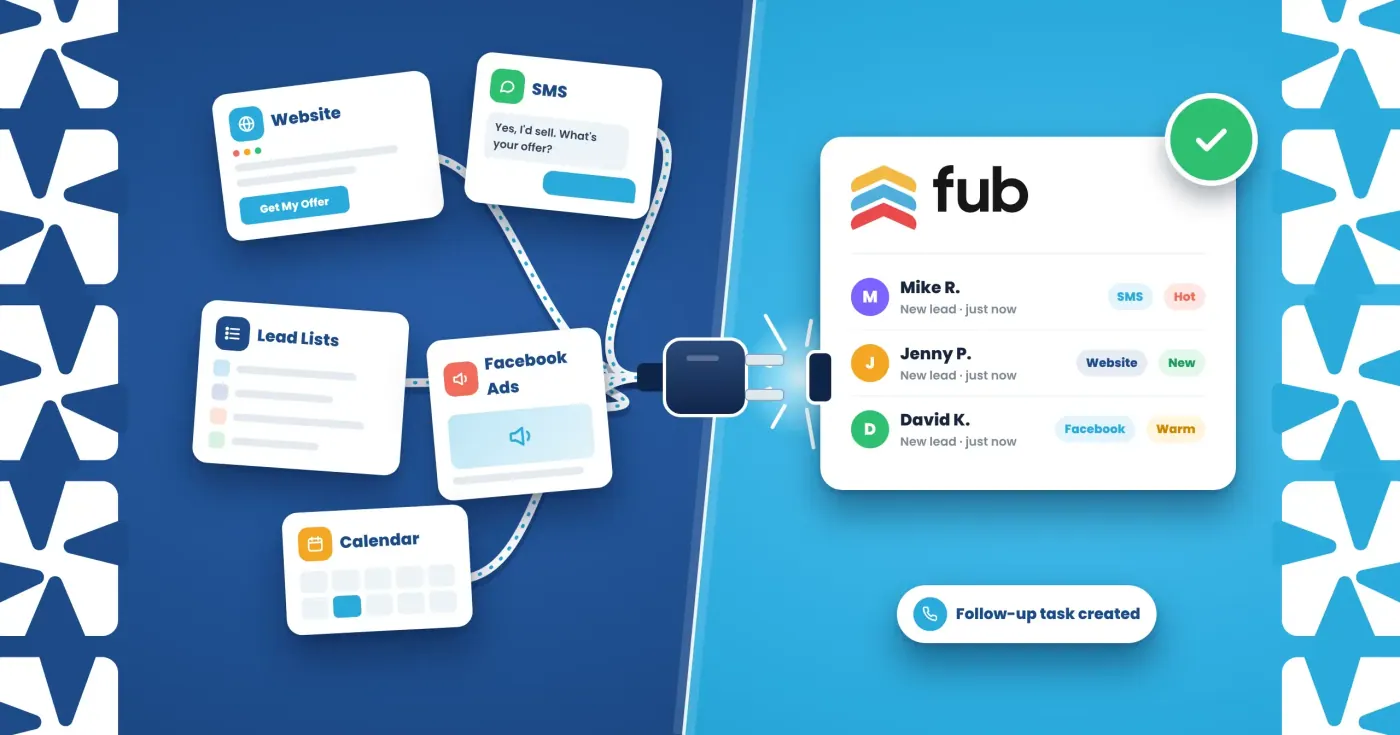
Leads and data reach Follow Up Boss in four main ways:
- Built-in integrations. Found under Admin > Integrations. These include the Follow Up Boss Pixel for your website and email and calendar sync.
- Email parsing. Many lead providers send each lead to Follow Up Boss by email. Follow Up Boss reads the email and creates the contact.
- Zapier. Zapier connects Follow Up Boss to tools that have no direct integration. Most investor tools connect this way.
- The API. For custom setups, developers can send leads straight into Follow Up Boss. For most investors, the Pixel and Zapier do the heavy lifting.
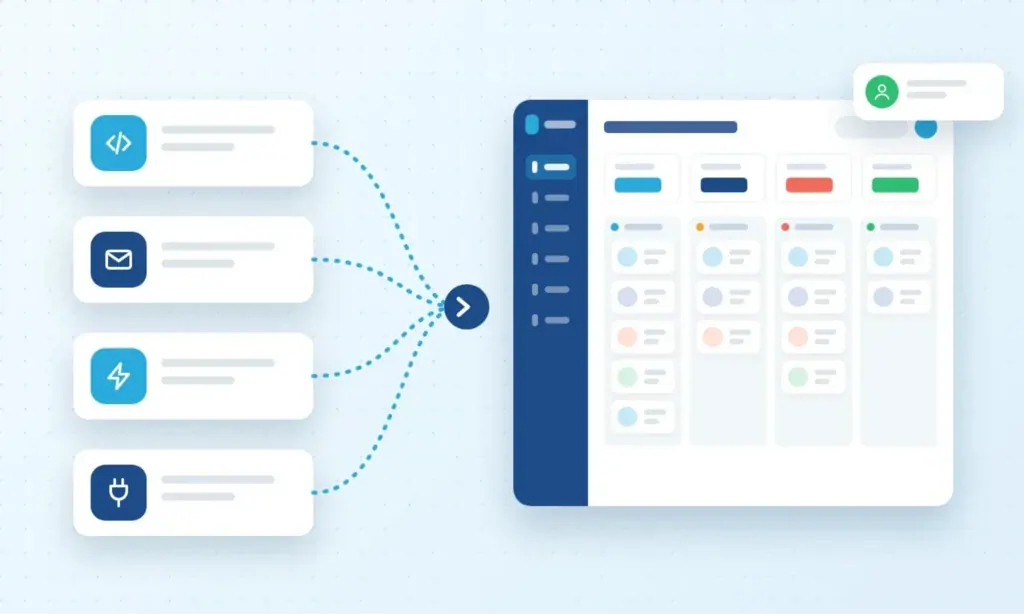
The integration map for real estate investors
| What you use | Example tools | How it connects | What it should do in Follow Up Boss |
|---|---|---|---|
| Seller website and landing pages | Your own website (WordPress or custom) | Follow Up Boss Pixel | Create a new lead from every form fill and track site visits |
| Texting platform | Smarter Contact | Zapier | Create or update contacts, create deals, tasks and notes when a seller replies |
| Lists and skip tracing | BatchLeads | Zapier | Add contacts when properties are skip traced; tag hot and warm SMS leads |
| Dialer | BatchDialer | Zapier | Log calls and update contacts |
| Paid ads | Facebook Lead Ads | Zapier or a lead-sync tool | Send each ad lead to Follow Up Boss within seconds |
| Buyers list | InvestorBase | Zapier | Create or update cash buyer contacts for dispositions |
| Calendar and email | Google, Outlook | Built-in sync | Show appointments and log emails on the contact |
How to connect the most important tools
How to connect the most important tools
The Pixel is a small tracking code you add to your own website, whether it runs on WordPress or is custom-built. It captures your seller form submissions, creates new leads in Follow Up Boss and shows what each lead does on your site.
- In Follow Up Boss, go to Admin > Integrations > Follow Up Boss Pixel.
- Turn on form capture and new lead creation, then click Copy Code.
- Paste the code into the head section of every page. On WordPress, use your theme’s header scripts setting or a header-and-footer scripts plugin. On a custom site, have your developer add it to the main page template.
- Test it: submit your seller form in an incognito window and check that the lead
appears.
Custom forms: if the Pixel doesn’t capture your form, send its submissions to Follow Up Boss through a Zapier webhook or the Follow Up Boss API instead.
2. Your texting platform (Smarter Contact): connect through Zapier
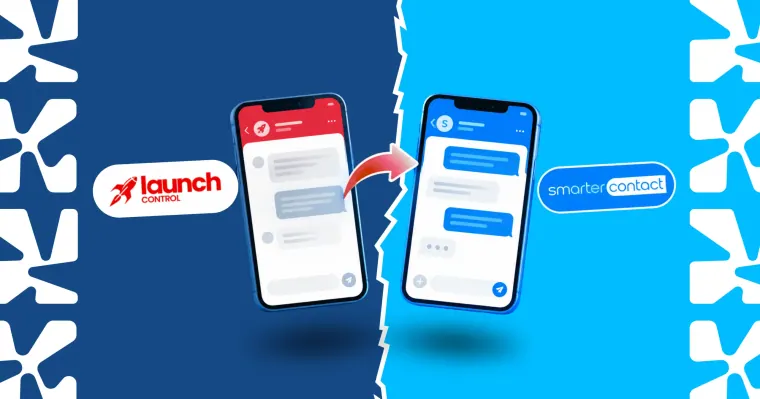
Smarter Contact connects to Follow Up Boss through Zapier. A good setup sends a contact to Follow Up Boss only when a seller replies or is tagged as interested. Not every number you text needs to be in your CRM.
Useful Zapier actions include:
- Create or update a contact without triggering action plans
- Create a deal when a lead is marked hot
- Create a task for your acquisition rep
- Add the text conversation as a note
3. Your list and skip tracing tool (BatchLeads): connect through Zapier
BatchLeads offers Zapier triggers such as “Property Is Skip Traced,” “Tag Added to a Property” and “SMS Lead Marked as Hot” or “Warm.” On the Follow Up Boss side, you can create or update contacts, add tags, change stages, create deals and apply action plans.
The key rule: import cold list records without triggering action plans. Apply an action plan only when a lead becomes warm. Otherwise thousands of cold records flood your team’s tasks.
4. Your ads (Facebook Lead Ads): connect through Zapier or a lead-sync tool
Facebook lead form leads go cold fast. Connect them through Zapier or a dedicated leadsync tool, so each lead lands in Follow Up Boss within seconds. Tag the source as “Facebook” and start a speed-to-lead action plan right away.
5. Your calendar and email: turn on the built-in sync
Connect Google or Outlook, so seller appointments and emails show on each contact’s timeline. Your whole team then sees the full history before calling.
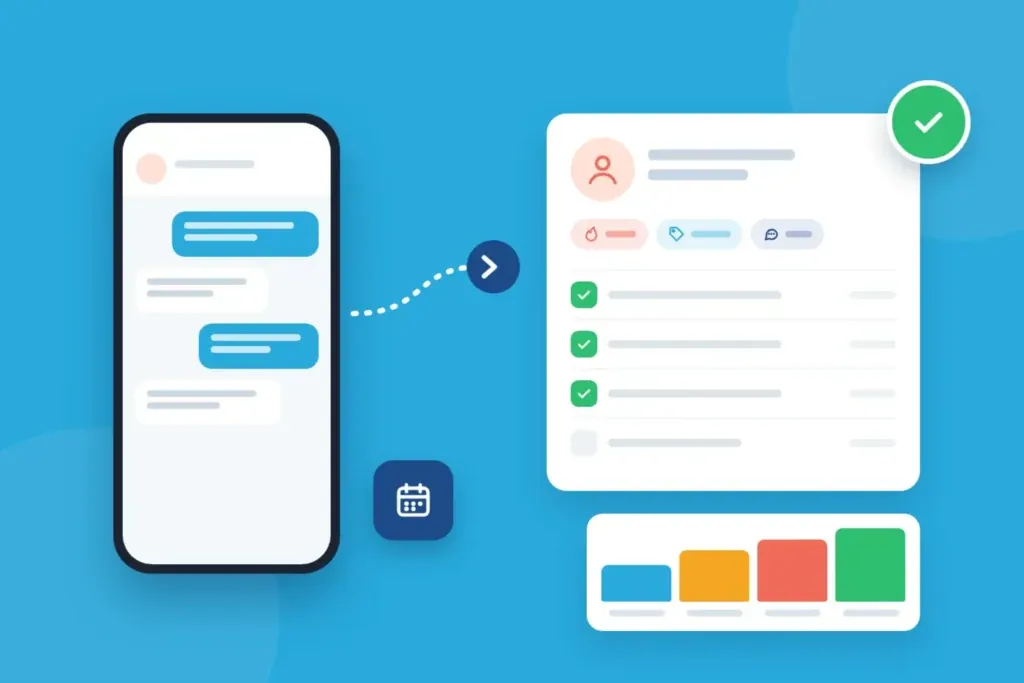
Recommended setups by investor type
Solo wholesaler Your website (Pixel) + texting platform (Zapier) + Follow Up Boss calling. Keep it simple: every warm lead in one place with one follow-up plan.
Acquisition team (3–10 people) Add BatchLeads and your dialer through Zapier, lead routing to the right rep, and source tags on every lead. Track which list or campaign produced each deal.
Multi-channel investor (SMS, PPC, mail, Facebook) Connect every channel and tag every lead by source. Then compare cost per deal by channel, not just cost per lead.
Common integration mistakes
- Triggering action plans on cold imports. Your reps get buried in tasks for people who never replied.
- No source tags. Without them you can’t tell which channel makes money.
- Duplicate contacts. Use “create or update” actions, not “create,” so the same seller isn’t added twice.
- Never testing. Send a test lead through every connection after setup and after any change.
- Ignoring email parsing changes. If a lead provider changes its email format, parsing can break. Check new leads from email sources every week.
Frequently Asked Questions
How do I connect my website to Follow Up Boss?
Install the Follow Up Boss Pixel in your site’s header. It captures form submissions and creates new leads in Follow Up Boss. For custom forms, use a Zapier webhook or the Follow Up Boss API.
Does Follow Up Boss integrate with Smarter Contact?
Yes, through Zapier. You can create or update contacts, deals, tasks and notes when sellers reply or are tagged.
Does Follow Up Boss integrate with BatchLeads?
Yes, through Zapier. Triggers include skip-traced properties, new tags and SMS leads marked hot or warm.
Does Follow Up Boss have an API?
Yes. Lead providers and developers can send leads straight into Follow Up Boss through the API instead of by email.
Do I need a paid Zapier plan?
Simple two-step connections may work on lower plans. Multi-step Zaps and high lead volume usually need a paid Zapier plan. Check Zapier’s current pricing.
Get your Follow Up Boss integrations set up right
Integrations are where most CRM setups break: missed leads, duplicate contacts and action plans firing at the wrong time. REI Marketing Pro sets up Follow Up Boss for real estate investors, including website, texting, list, dialer and ad integrations, lead routing and source tracking.
See our Follow Up Boss setup service or book a free strategy call.

Zeeshan S.
Real Estate Lead Generation Expert with over 7 years of experience, specializing in providing comprehensive services to wholesalers, investors, and realtors across the U.S. Zeeshan leverages multiple marketing channels to deliver impactful results, drawing on his deep expertise in crafting content tailored for diverse platforms. When not immersed in marketing, he is actively exploring more about AI and automation, continually seeking ways to innovate and enhance his marketing strategies.
LinkedIn More about the author